
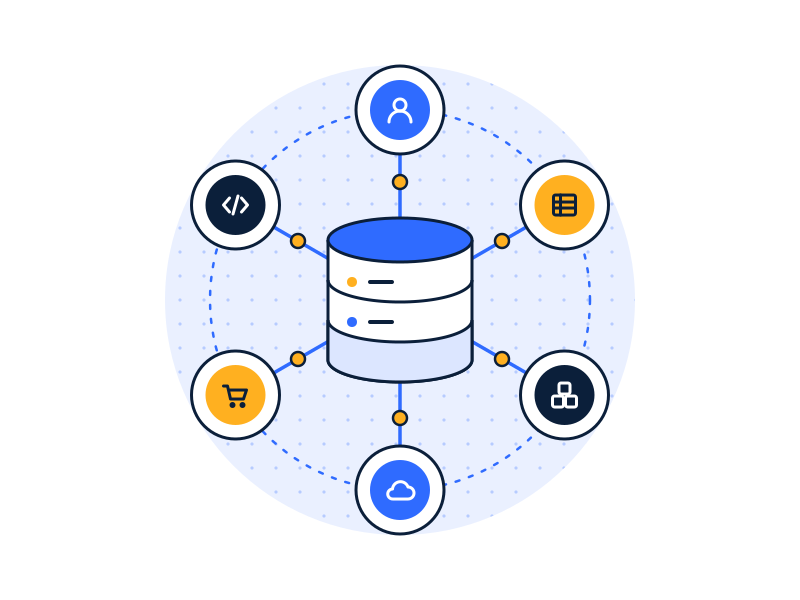
Data integration combines data from separate systems (CRM, ERP, accounting, spreadsheets, apps) into one consistent, unified database. Hoist DigiSoft’s data engineering team builds the ETL/ELT pipelines, cleans and matches records, and connects that unified database back to the applications and dashboards your business runs on.
Built inside your cloud account where possible · Encrypted in transit and at rest · NDA before access
What is data integration?
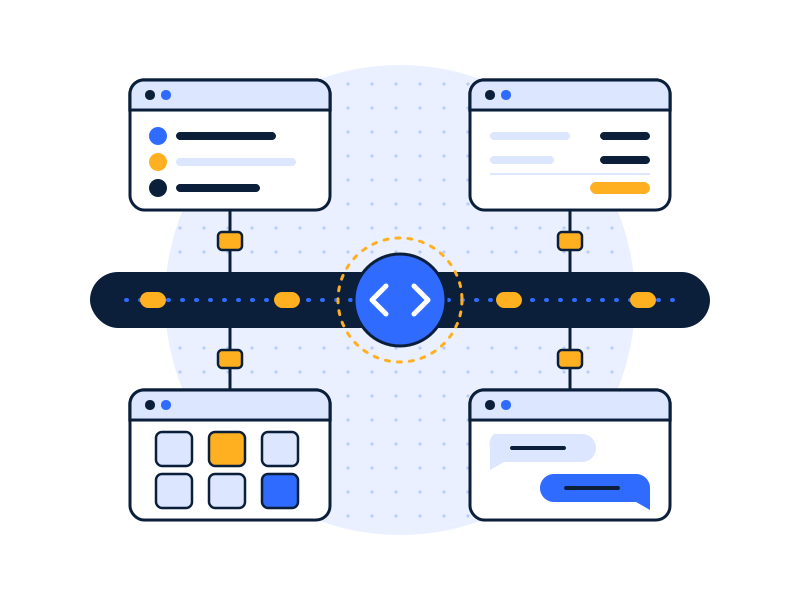
Data integration is the work of getting data out of the systems where it’s created and into one place where it agrees with itself. That means three jobs:
- Extract data from each source: CRM, ERP, accounting, ecommerce, support desk, HR, spreadsheets and custom apps.
- Load and transform it into a shared structure, with consistent field names, formats, currencies and time zones.
- Match records that describe the same thing. “Acme Inc.” in the CRM, “ACME” in accounting and “acme.com” in support are one customer.
The result is a unified database (often a data warehouse) that every report, model and app can trust. That’s what people mean by a single source of truth.
Data integration is sometimes confused with application integration. The short version: data integration moves data into one place for analysis; application integration makes apps talk to each other in real time to run a process. Most companies need both, and we do both.
What does disconnected data cost?
Disconnected data rarely shows up as a line item. It shows up as hours, errors and slow decisions.
- Manual work. Someone exports from three systems every week, pastes into a spreadsheet and fixes the mismatches.
- Errors. Gartner estimates poor data quality costs organizations an average of $12.9 million a year.
- Integration gaps at scale. MuleSoft’s 2025 Connectivity Benchmark found the average large enterprise runs 897 applications, and only 29% of them are integrated.
- Integration as the blocker. In the same survey, 80% of IT leaders cited data integration as their most significant obstacle, and 95% reported challenges integrating AI into existing processes.
Mid-sized companies run fewer systems than an enterprise, but they usually have fewer people to stitch them together. The gap lands on the finance manager or the ops lead.
What do our data integration and data engineering services include?
ETL/ELT pipelines
Scheduled or near-real-time pipelines from each source into your unified database. We use managed connectors (Fivetran, Azure Data Factory, AWS Glue) where they exist, and custom code only where they don’t. Every pipeline has logging, retries and failure alerts.
Real-time and change-based sync
For data that needs to be fresh within minutes, we use change data capture (CDC) or event streams instead of nightly batches.
Master data and deduplication
We match and merge duplicate customers, products, vendors and locations across systems, using rules your team approves. You get a golden record for each entity and a list of the conflicts we couldn’t resolve automatically. See master data management.
Unified database design
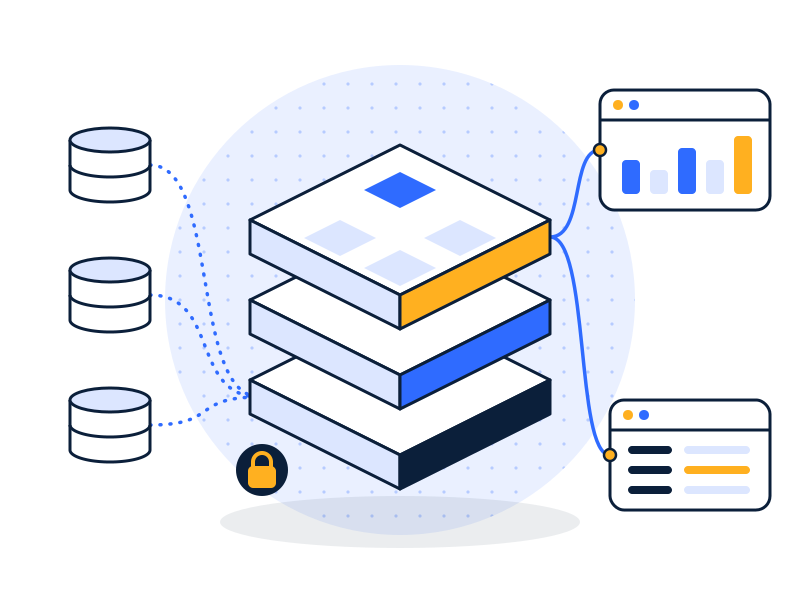
We design the shared structure: naming conventions, data types, keys, history tracking and documentation. Usually this lives in a cloud data warehouse; sometimes in a dedicated operational database.
Reverse ETL back to your apps
Clean, combined data is more useful in the tools people work in than in a dashboard. Reverse ETL pushes it back: lifetime value into the CRM, credit status into the ERP, product usage into the support desk.
Data quality monitoring
Tests on every load: row counts, nulls, duplicates, freshness and business rules (“no invoice without a customer”). Failures alert a named person, not an unread inbox.
ETL services vs ELT: which do you need?
| ETL (extract, transform, load) | ELT (extract, load, transform) | |
|---|---|---|
| Where transformation happens | Before loading, in a separate tool or server | Inside the warehouse, after loading |
| Raw data kept? | Often not | Yes, so you can reprocess later |
| Fits best | Strict rules about what may land in the warehouse; older on-premises setups | Cloud warehouses (Snowflake, BigQuery, Redshift, Fabric) |
| Common tools | Azure Data Factory, AWS Glue, SSIS | Fivetran or Airbyte to load, dbt to transform |
Most new builds we do are ELT, because cloud warehouses are fast enough to transform in place and keeping raw data makes fixes easier. We use ETL where sensitive fields must be masked or dropped before they land. Definitions: ETL · ELT.
AWS ETL services: on AWS we typically use AWS Glue or Fivetran to load into Redshift or S3, with dbt for transformation and IAM roles scoped per pipeline.
Which connectors and tools do we use?
We work with Fivetran, Azure Data Factory, AWS Glue, dbt, SQL Server Integration Services, and native connectors in Snowflake, BigQuery, Redshift and Microsoft Fabric. For sources without a connector, we build against the vendor’s API.
Common sources include CRM (Salesforce, HubSpot, Dynamics 365), ERP and accounting (NetSuite, SAP Business One, Sage, QuickBooks, Xero), ecommerce (Shopify), support (Zendesk), spreadsheets and SFTP file drops.
How do we keep integrations secure?
Every pipeline moves sensitive data, so security is part of the build, not an add-on:
- encrypted connections (TLS) from source to destination;
- encryption at rest in the warehouse and in any staging storage;
- one service account per pipeline, with read-only access to only the tables it needs;
- secrets stored in your cloud’s key vault, never in code;
- masking or exclusion of sensitive fields you don’t need for reporting;
- logs of every load and every access.
More on this: data security and encryption services.
How does the process work?

- Audit
- Architect
- Build & Secure
- Run & Improve
- Audit. List every source, owner, volume, refresh need and sensitivity level.
- Architect. Target structure, matching rules, refresh schedule and security model.
- Build & Secure. Pipelines source by source, highest value first, with tests, encrypted connections and one scoped service account each. Deduplication rules are agreed with your team and conflicts reviewed. Then dashboards, models and (via reverse ETL) apps are pointed at the unified database.
- Run & Improve. Alerts, a simple runbook, new sources as you add systems, and optional ongoing support.
A first phase connecting three to five sources typically takes six to ten weeks.
What does an integration project look like?
Illustrative example. Not a client project.
A B2B services company has customers in HubSpot, invoices in Xero and support tickets in Zendesk. Account managers can’t see whether a customer is overdue or has open tickets before a renewal call.
- Build: pipelines from all three into Snowflake; customers matched on domain and billing email.
- Unify: one customer table with revenue, overdue balance and open tickets.
- Reverse ETL: overdue balance and open-ticket count written back to the HubSpot company record every hour.
Aim: account managers see the full picture where they already work.
Related reading: how to consolidate data from multiple sources into one database
Common use cases: single source of truth · customer 360 · ERP-to-CRM sync
Industries: retail & ecommerce · manufacturing & logistics · real estate · healthcare
FAQs
What is the difference between data integration and application integration?
Data integration copies data from many systems into one place, usually a warehouse, for reporting and analysis. Application integration connects apps so they exchange data and trigger each other’s workflows in real time, such as creating an invoice when a deal closes. Data integration answers questions; application integration runs processes.
ETL or ELT: which should we use?
ETL transforms data before loading it; ELT loads raw data first and transforms it inside the warehouse. ELT is usually the better default with cloud warehouses because it keeps raw history and is easier to change. ETL still makes sense when sensitive fields must be removed or masked before data lands anywhere.
How do you handle duplicate customer records?
Duplicate customer records are handled with matching rules: exact matches on IDs or emails first, then fuzzy matches on names, domains and addresses. Your team approves the rules. Confident matches merge into one golden record automatically; uncertain ones go to a review list, so nothing gets merged by guesswork.
Can the unified database feed our existing apps?
Yes. A unified database can push clean data back to the apps your team uses through reverse ETL or APIs. Common examples are customer lifetime value in the CRM, payment status in the support desk, and stock levels in the ecommerce store. Your team works with better data without opening another tool.
How often does the data refresh?
Data refresh frequency is set per source based on need and cost. Finance data often refreshes nightly or hourly. Sales and operations data can refresh every few minutes using change data capture. We agree on the schedule with you, and every refresh is monitored so failures alert someone the same day.
Get every system feeding one database.
Book a free 30-minute data audit. We’ll map your sources and tell you which to connect first.