
Application integration connects separate business applications so they share data and trigger each other’s workflows automatically, usually through APIs, webhooks or an integration platform (iPaaS). Hoist DigiSoft builds and maintains these integrations so orders, customers and invoices flow between systems without manual re-entry.
What is enterprise application integration?
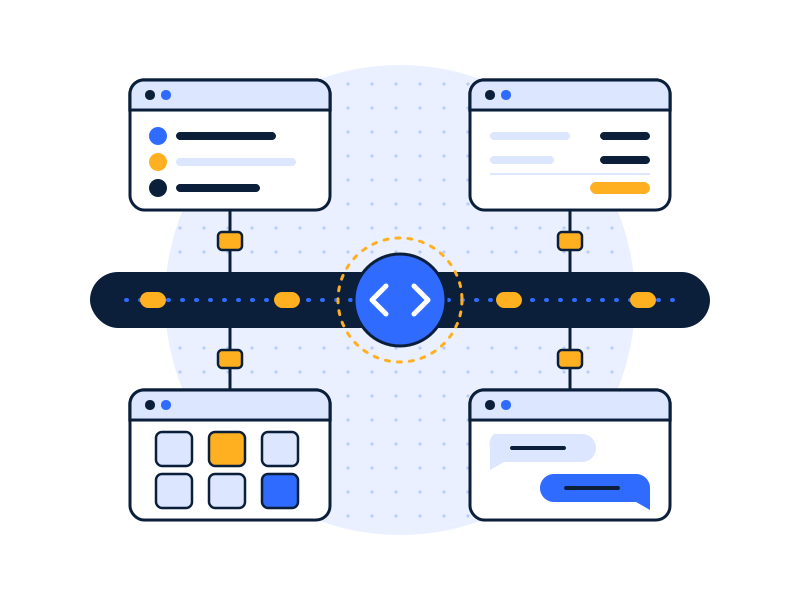
Enterprise application integration (EAI) is the practice of connecting the software a business runs on so that one system’s events update the others automatically. When a deal closes in the CRM, the customer appears in the ERP, an invoice is raised in accounting and the project is created in delivery, with nobody copying fields between screens.
It’s different from data integration:
| Application integration | Data integration | |
|---|---|---|
| Purpose | Run a business process across apps | Combine data for reporting and analysis |
| Timing | Real time or near real time, event by event | Scheduled batches or continuous loads |
| Direction | App to app, often two-way | Many sources into one database (plus reverse ETL) |
| Example | New order in Shopify creates a sales order in NetSuite | Orders from Shopify and NetSuite loaded into a warehouse for margin reporting |
Most companies need both. We build both, and design them so they don’t fight each other.
Which integrations do we build most often?
- CRM to ERP or accounting. Closed deals create customers, sales orders and invoices. Payment status flows back to the CRM. See ERP-to-CRM sync.
- Ecommerce to accounting and inventory. Orders, refunds, fees and stock levels stay in step across Shopify, the warehouse system and the books.
- Billing to support. Support agents see plan, payment status and renewal date next to each ticket.
- HR to IT and payroll. New hires and leavers update accounts, access and payroll in one go.
- Custom and legacy apps. Internal tools and older systems connected through their APIs, databases or file exports.
API, iPaaS or custom middleware: which is right?
| Approach | What it is | Good fit | Watch out for |
|---|---|---|---|
| Native connector | A built-in integration between two apps | Simple, standard flows the vendors already support | Limited logic; breaks quietly if fields change |
| iPaaS | A hosted integration platform with prebuilt connectors and a visual builder | Many apps, moderate complexity, teams that want to see the flows | Per-task or per-connector costs grow with volume |
| Custom API integration | Code we write against each app’s API, hosted in your cloud | High volume, complex logic, unusual systems, strict security rules | Needs proper monitoring and someone to maintain it |
We pick the simplest option that will hold up. For a few low-volume flows, an iPaaS such as Microsoft Power Automate, Zapier or Make can be enough. For core processes (orders, invoices, inventory) we usually recommend custom integrations or Azure Data Factory / AWS Glue-based flows hosted in your own cloud, with full logging. See the glossary for iPaaS.
How do we handle monitoring, errors and security?
Integrations fail. APIs time out, someone renames a field, a vendor changes a limit. The difference between a good integration and a bad one is what happens next.
- Retries and queues. Temporary failures retry automatically; nothing is lost.
- Alerts to a named person. Persistent failures alert someone on your side and ours, the same day.
- Error log you can read. Every failed record is kept with the reason, so it can be fixed and replayed.
- Idempotency. An order sent twice doesn’t create two invoices.
- Secure by default. OAuth or scoped API keys, secrets in your key vault, TLS on every call, least-privilege permissions in each app, and logs of every change. More on this: data security and encryption.
How does the process work?

- Audit
- Architect
- Build & Secure
- Run & Improve
- Audit. Map the process end to end: which app owns which field, what triggers what, and where people re-key data today.
- Architect. Choose the approach (native, iPaaS or custom), define field mappings, error handling and security.
- Build & Secure. Build in a test environment with real-shaped sample data, scoped credentials and encryption, then run in parallel before switching off the manual process.
- Run & Improve. Monitoring, alerting, a runbook, and updates when vendors change their APIs.
A single integration typically takes two to six weeks depending on the apps and logic involved.
Industries: retail & ecommerce · manufacturing & logistics · professional services · SaaS & technology
FAQs
What is the difference between application integration and data integration?
Application integration connects apps so they exchange data and trigger each other’s workflows as events happen, such as a closed deal creating an invoice. Data integration copies data from many systems into one database for reporting and analysis. One runs processes; the other answers questions. Most mid-sized companies need both.
Do you use Zapier or Make, or custom code?
We use whichever is simplest and safe enough for the job. Low-volume, non-critical flows can run well on an iPaaS like Zapier, Make or Power Automate. Core processes such as orders, invoices and inventory usually justify custom integrations in your own cloud, with full logging, retries and alerting.
What happens when an API changes?
An API change is a change to how an app accepts or returns data, and it can break integrations. We pin API versions where possible, watch vendor change notices, and alert on failures the same day. Failed records are kept so they can be replayed after the fix. Ongoing support covers these updates.
Stop re-keying data between systems.
Book a free 30-minute data audit. Tell us which apps don’t talk to each other, and we’ll tell you the simplest way to connect them.